Stay in flow.
Your files within reach
Transform your screen edges into intelligent workspaces. Instantly access and retrieve files with simple mouse gestures.

macOS 15.2+ • Apple Silicon & Intel
Stop digging. Start doing
Seamless file access for your workflow. Reduce interruptions and focus on what matters.
Quick Access
Your essential files, instantly accessible. Trigger from the screen edge with a simple mouse gesture or shortcut. Drag and drop directly into any app.
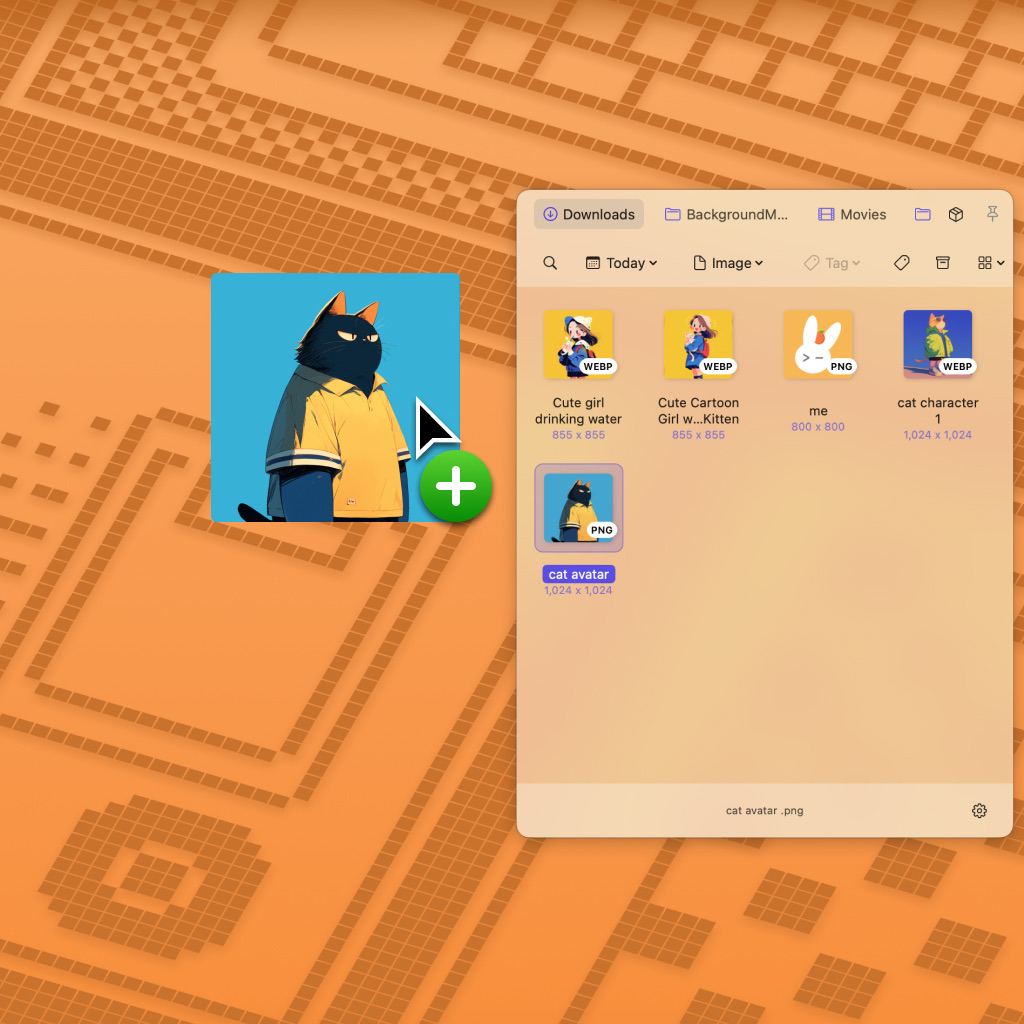
Smart Workspaces
Create Folder Groups for different contexts. Auto-switch groups based on the active app you are using.
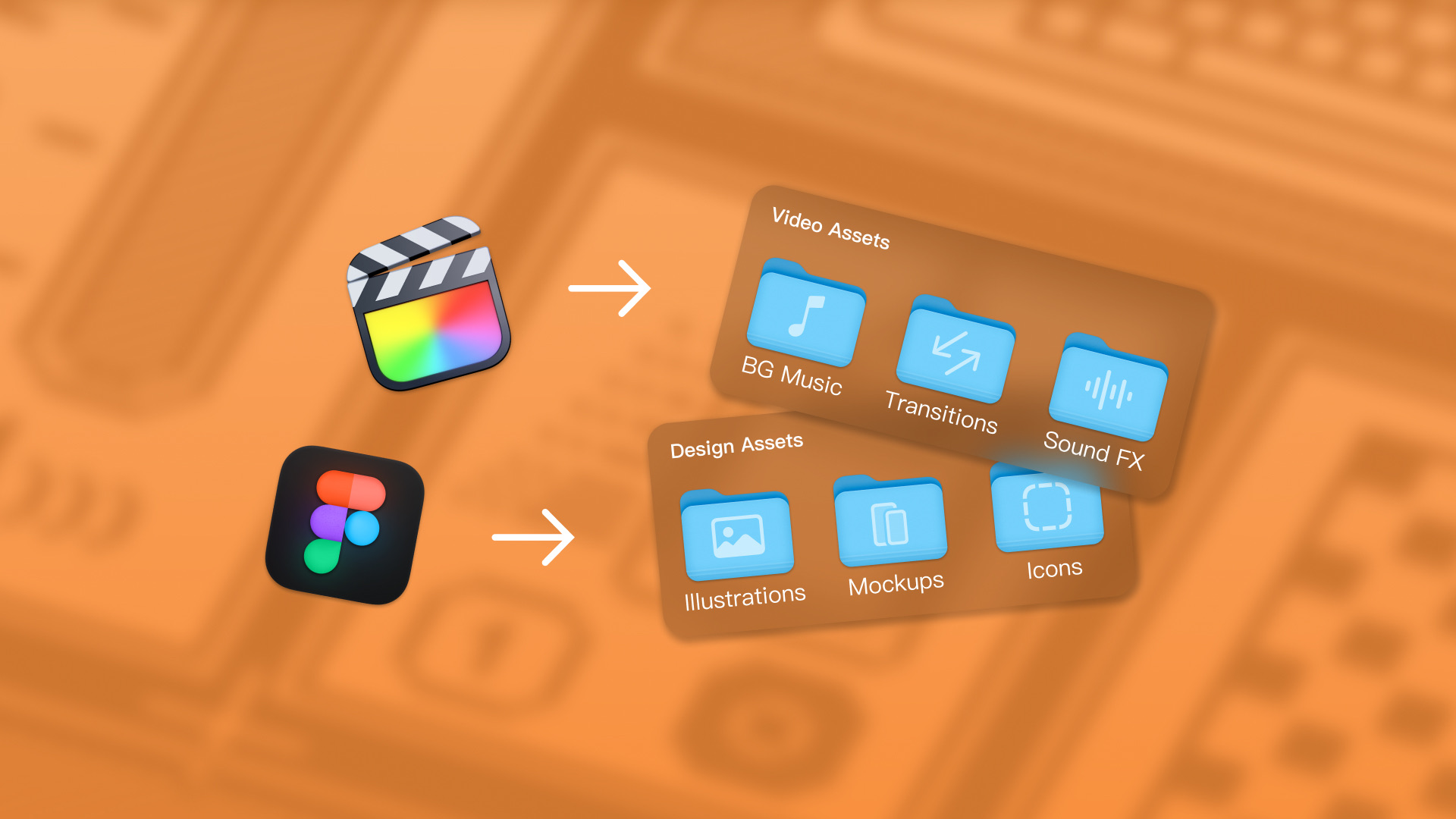
Smart Organization
Enhanced organization. Use Multi-level Tags and Smart Folders to retrieve assets instantly.

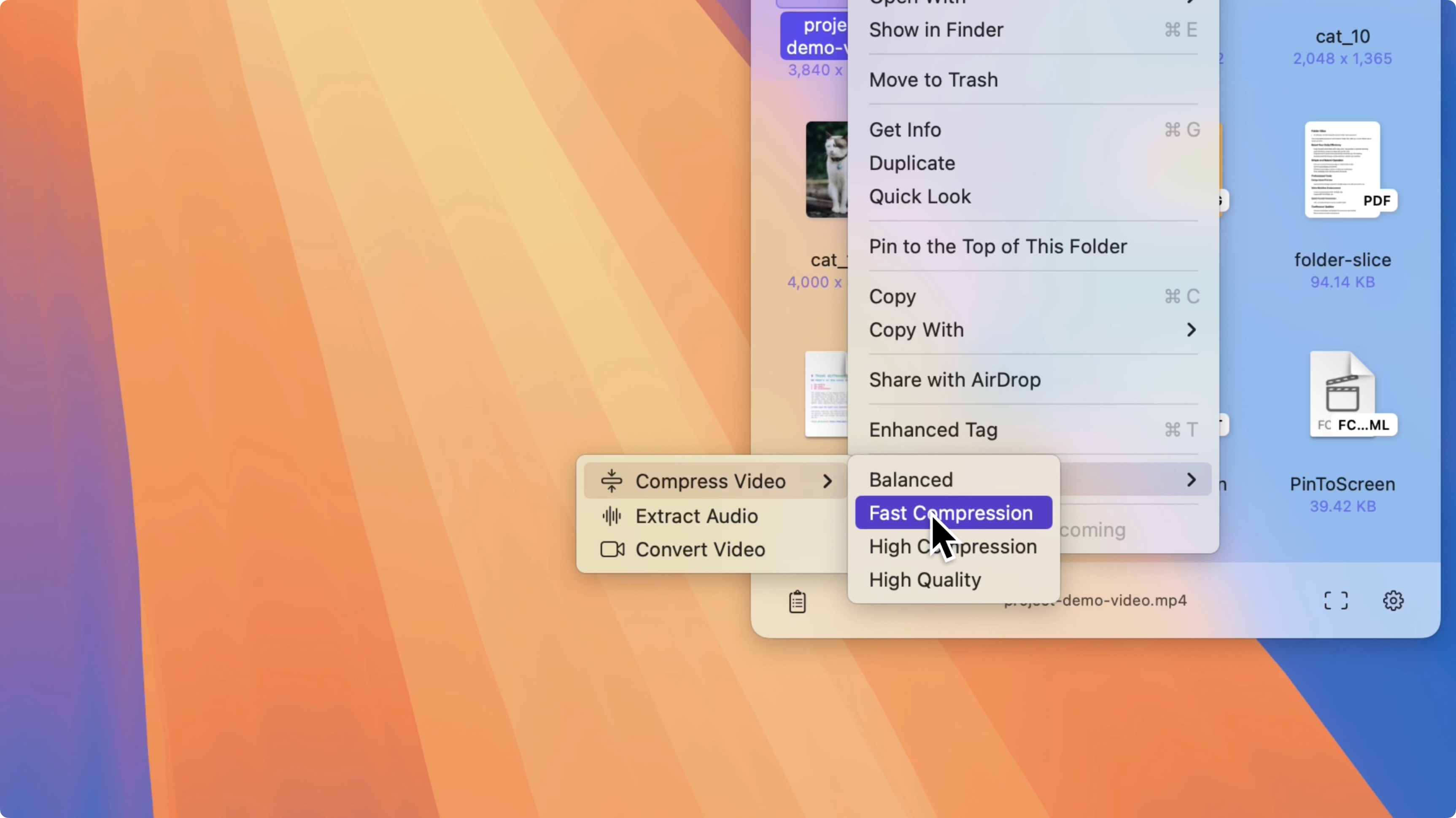
Extensions & Tools
Built-in professional tools: Video compression, format conversion, pinned windows, etc.
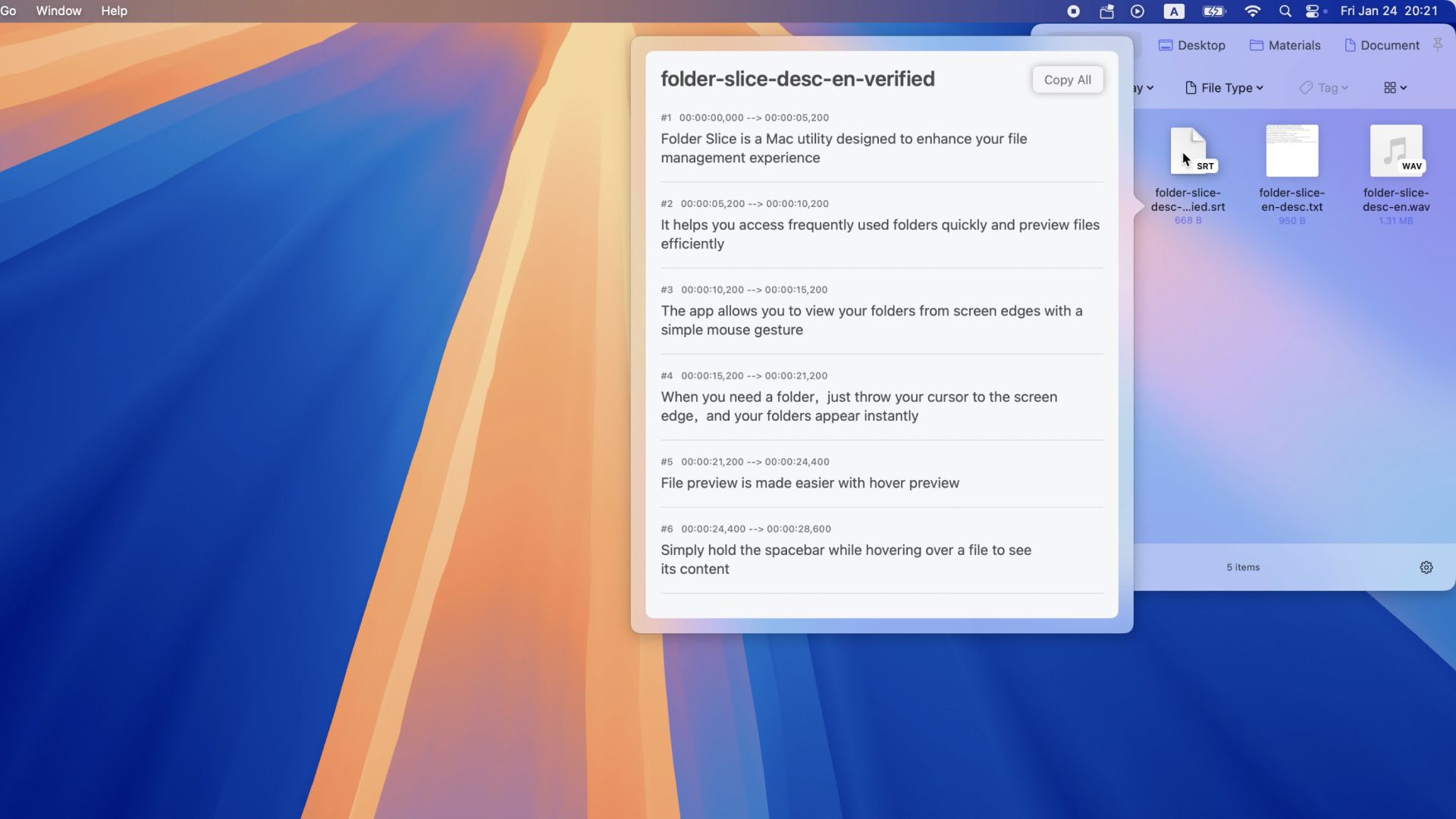
Instant Preview
Hover to instantly preview Markdown, subtitles, audio, etc. Supports more file types.
One tool, endless flows
From daily office tasks to creative production, streamline your interactions.
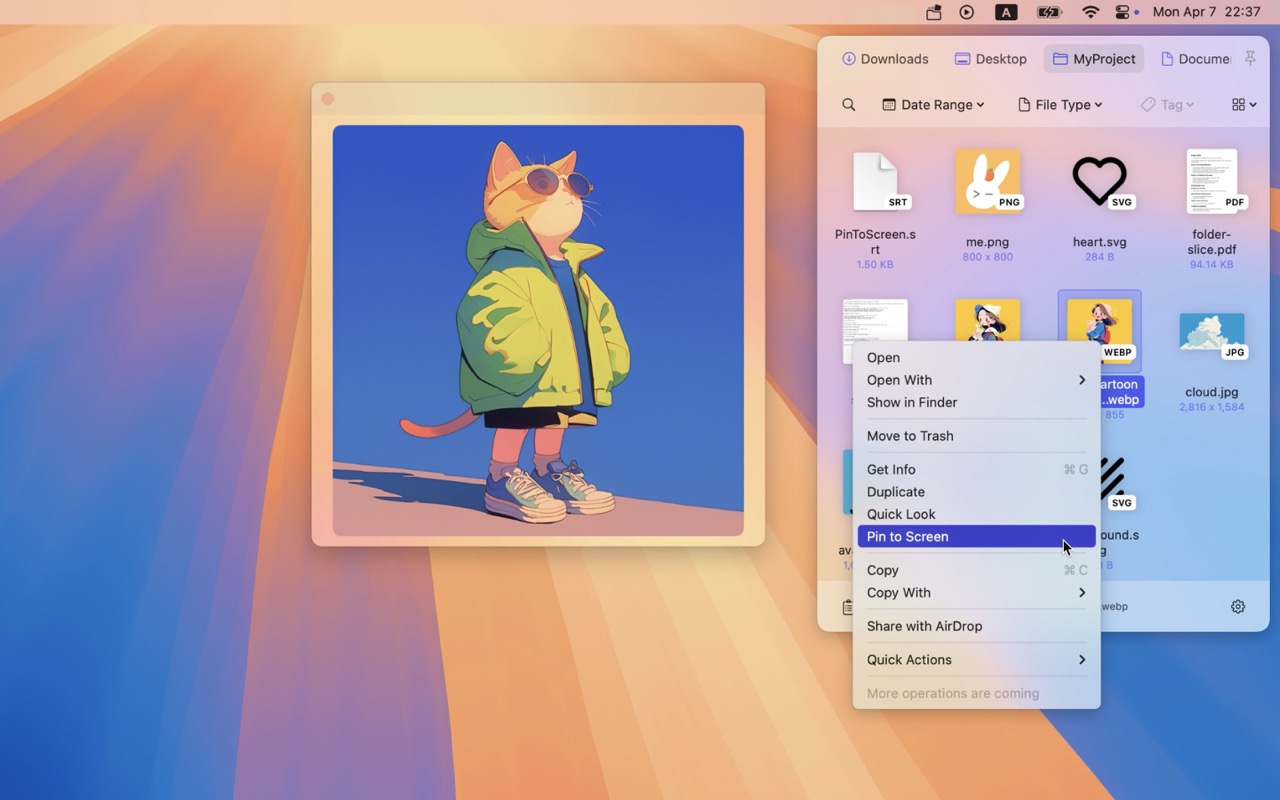
Daily Efficiency
Streamline daily tasks with improved interaction. Share files via AirDrop with a simple drag, keep important references pinned on top, and find files instantly with smart filters.
- • Quick AirDrop: Drag to bottom for instant sharing.
- • Pin to Desktop: Keep references visible on top.
- • Smart Filtering: Filter by type, time, or tags.
Creative & Media
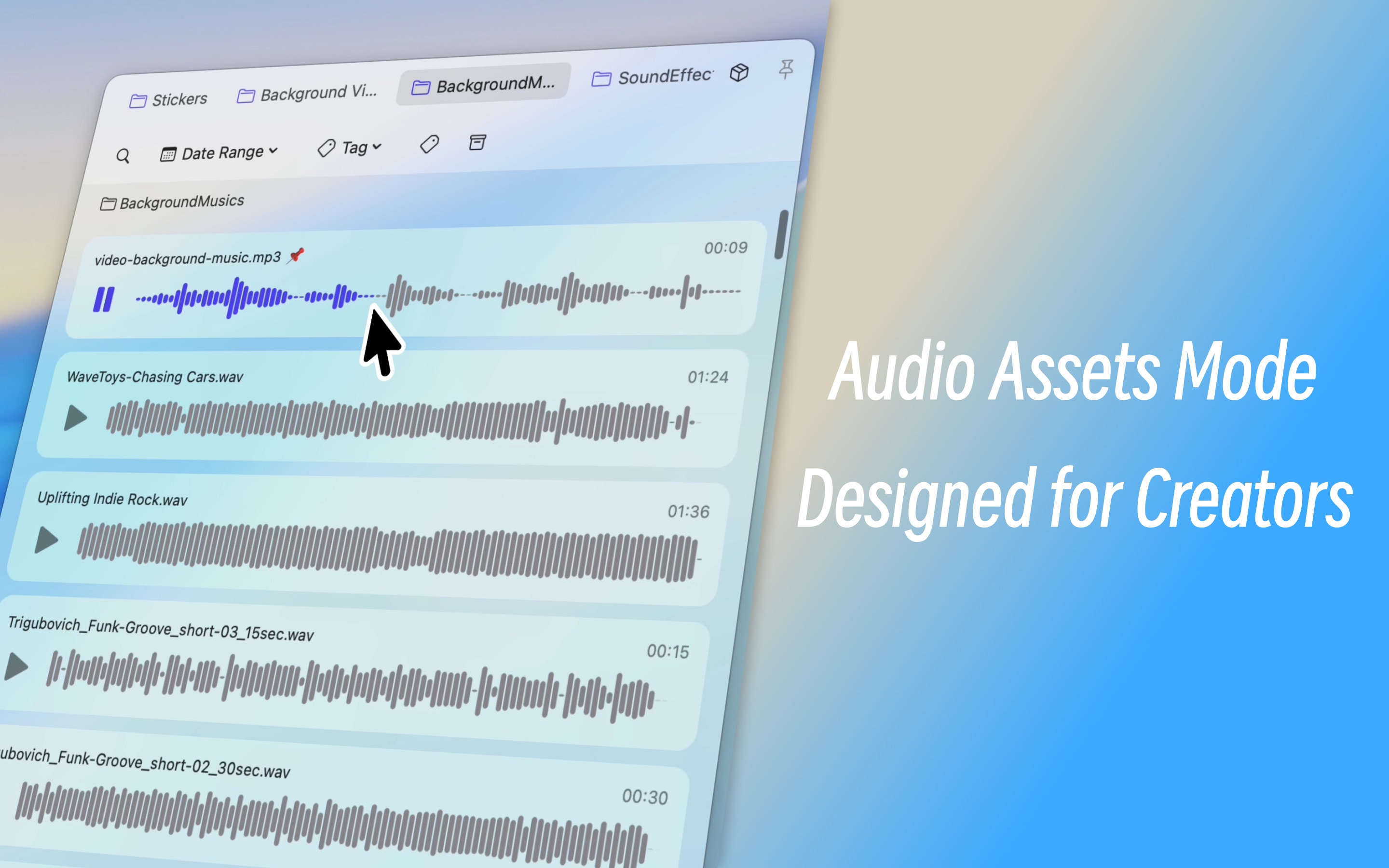
Built for Designers and Video Editors. Organize assets with dedicated Image, Video, and Audio Material Modes. Use Color Palette Mode to manage inspiration and built-in tools to speed up production.
- • Material Modes: Visual management for images, videos, and audio.
- • Color Palette: Extract colors and manage palettes instantly.
- • Creative Tools: Format conversion, compression, and subtitle tools.
Frequently Asked Questions
How does it protect my privacy?
+We follow a strict Local First approach. All operations are carried out locally on your device, and no file information is uploaded. Your data stays private and secure.
Is Folder Slice free?
+Folder Slice offers both a Free version with essential features and a Pro version for advanced productivity tools. A 14-day free trial of Pro features is included for new users.
How can I quickly access my files?
+You can launch Folder Slice using global shortcuts, mouse gestures (like moving to screen edge), or hot corners. It lets you access folders directly without clicking through directory layers.
Does it support multiple displays?
+Yes, Folder Slice fully supports multiple displays and desktops (Spaces). You can access your files across different screens while maintaining your flow.
Can Folder Slice replace Finder?
+Folder Slice is designed to complement Finder, not replace it. It provides quick file access without interrupting your workflow and works perfectly alongside Finder.
Download Folder Slice now
Experience a better way to access your files.